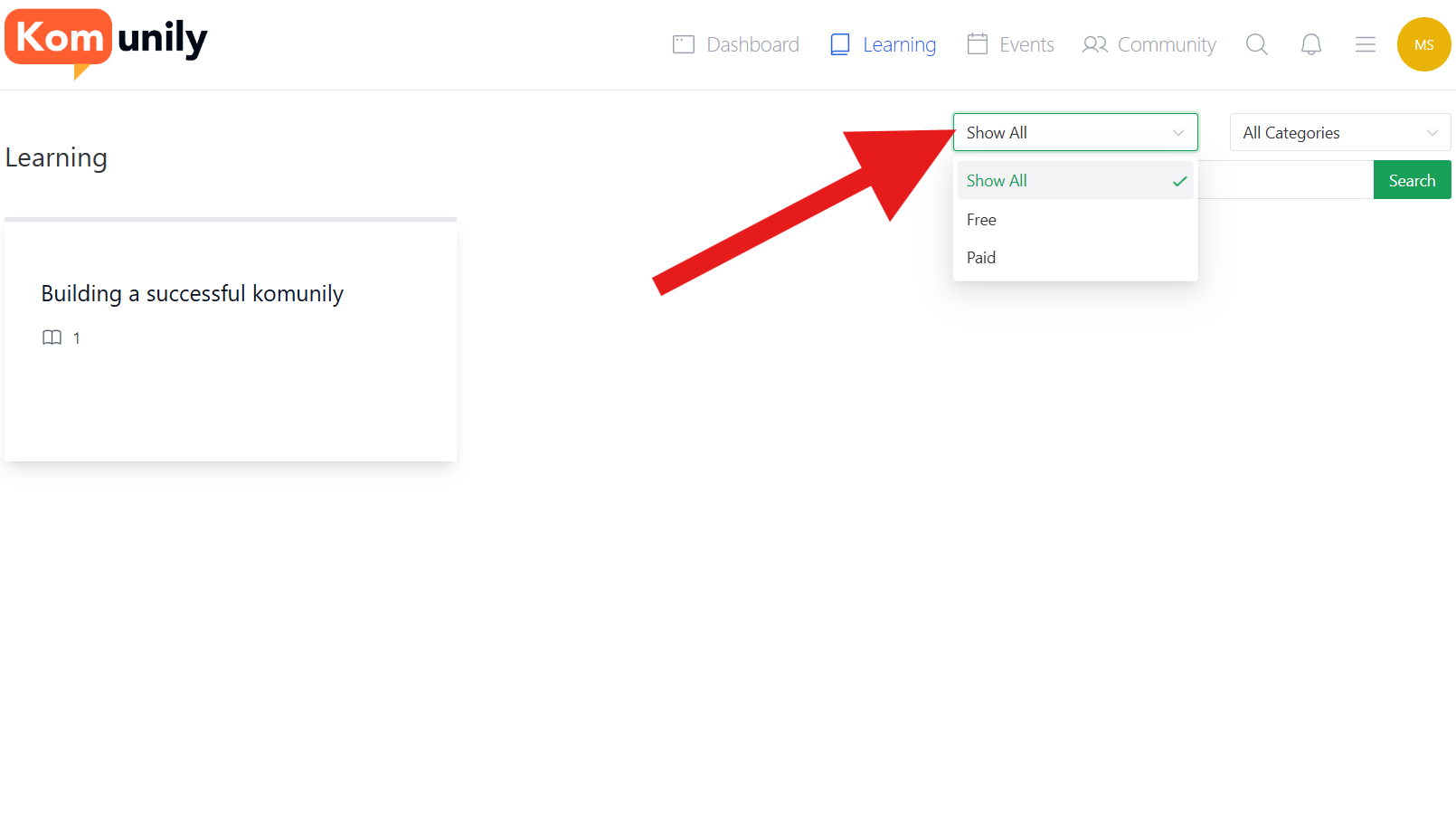
The learning page shows where your lessons are and has several features on how to sort and find these lessons. The 1st feature the learning page has is the ability to filter between lessons on whether they are paid for or free. This helps you narrow down if you are after a paid or free one, and can help prioritise what you’ve paid for. The filter’s location is shown in the image below.
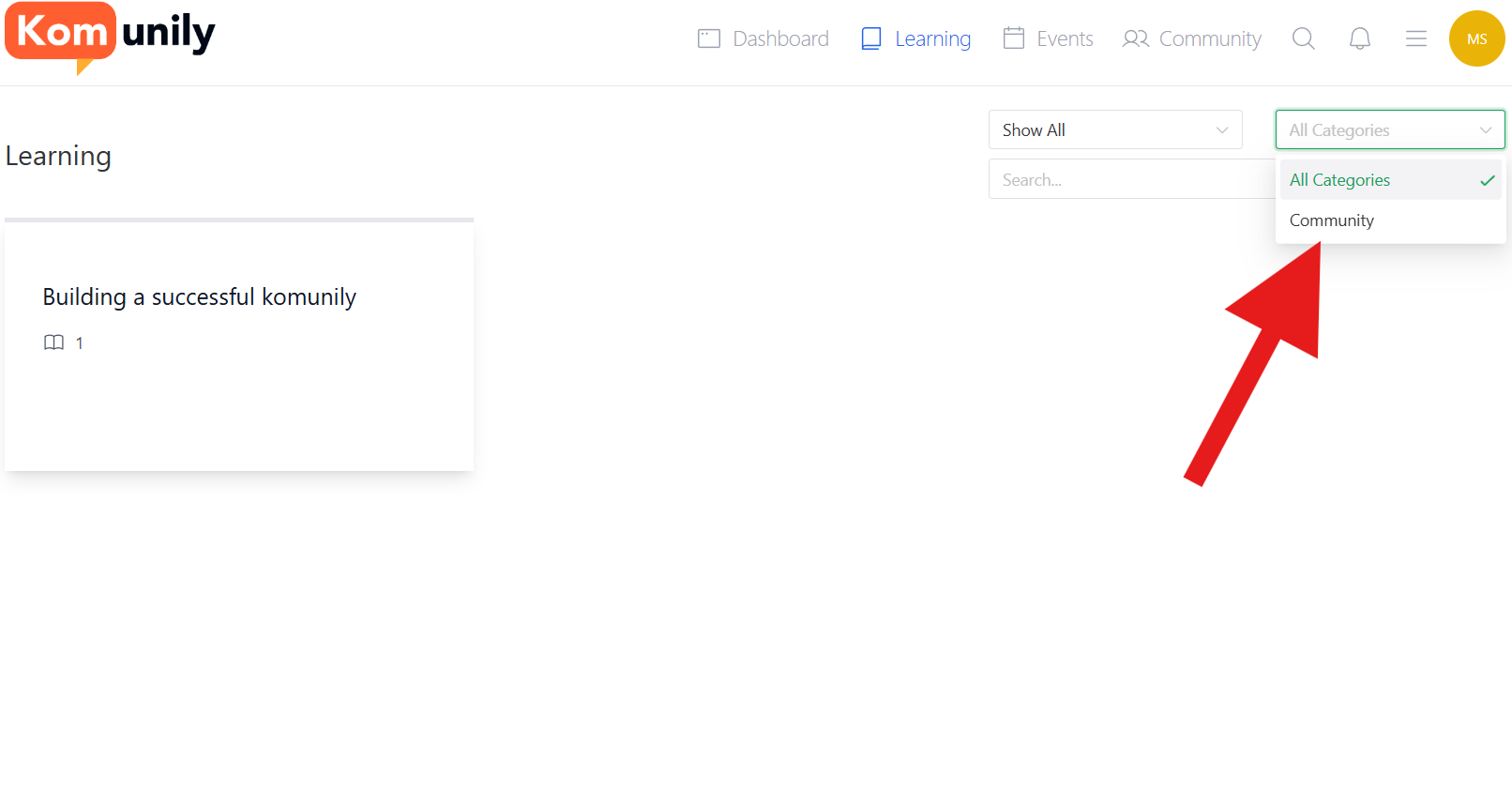
The second option for filtering is the categories you have access to. This is useful to narrow down the lessons you are after into specific purposes and uses, allowing you to find them much more easily. This filter is shown in the image below.
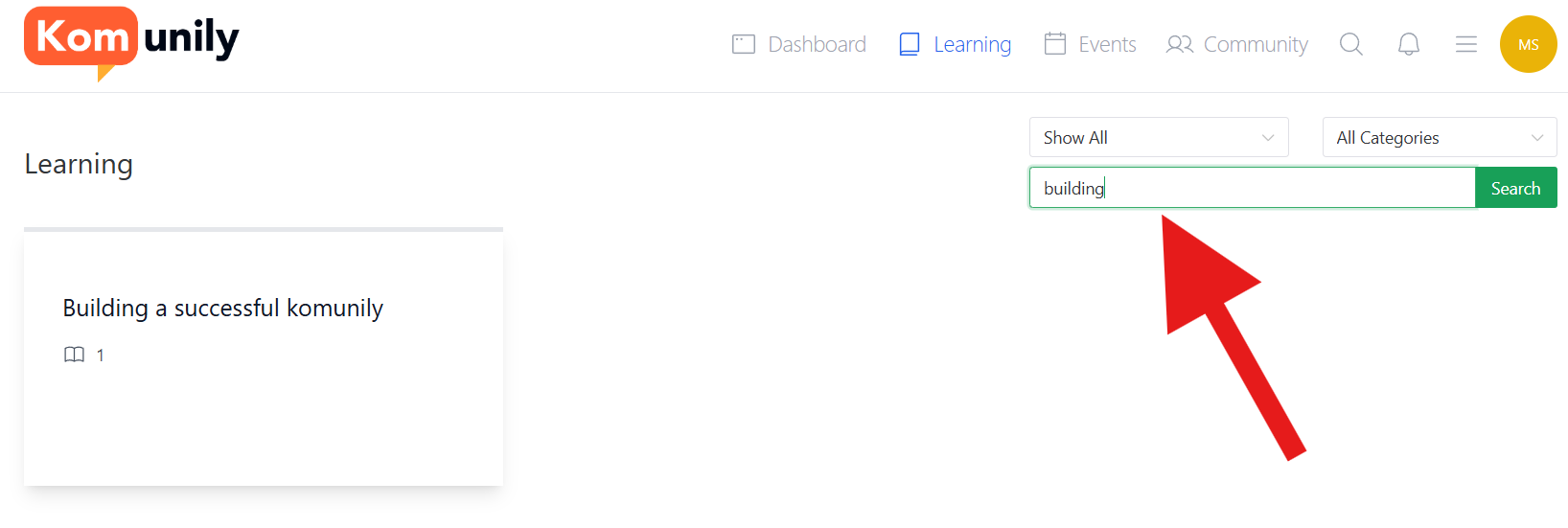
Lastly, if you still need help finding your specific lesson, you can use the search bar. This search bar is set up to start filtering as you type. This helps you find your specific lessons or lessons more efficiently.