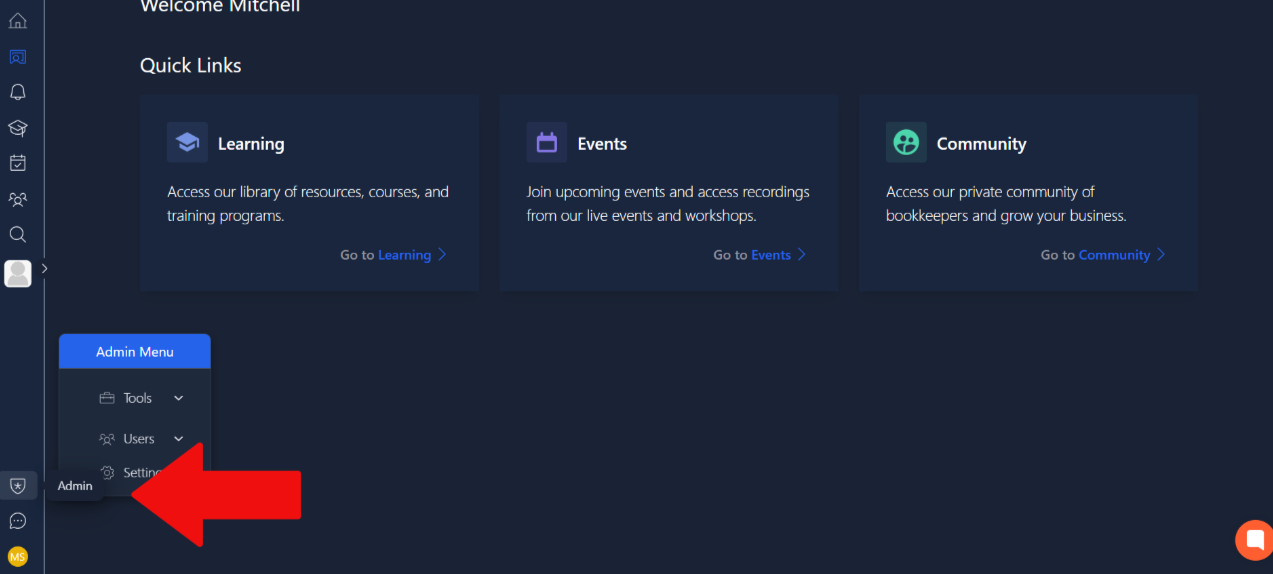
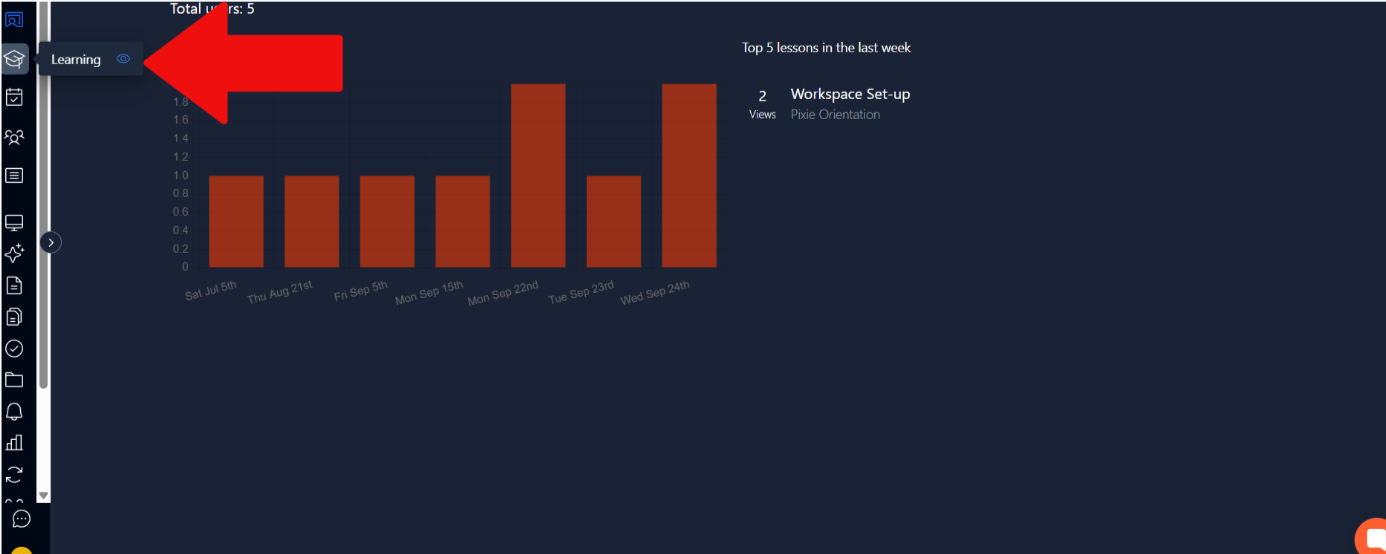
To access the learning page for admins, you need to go to the admin menu located at the bottom left. After that ,select the learning tab in the top left. This is shown in the images below.
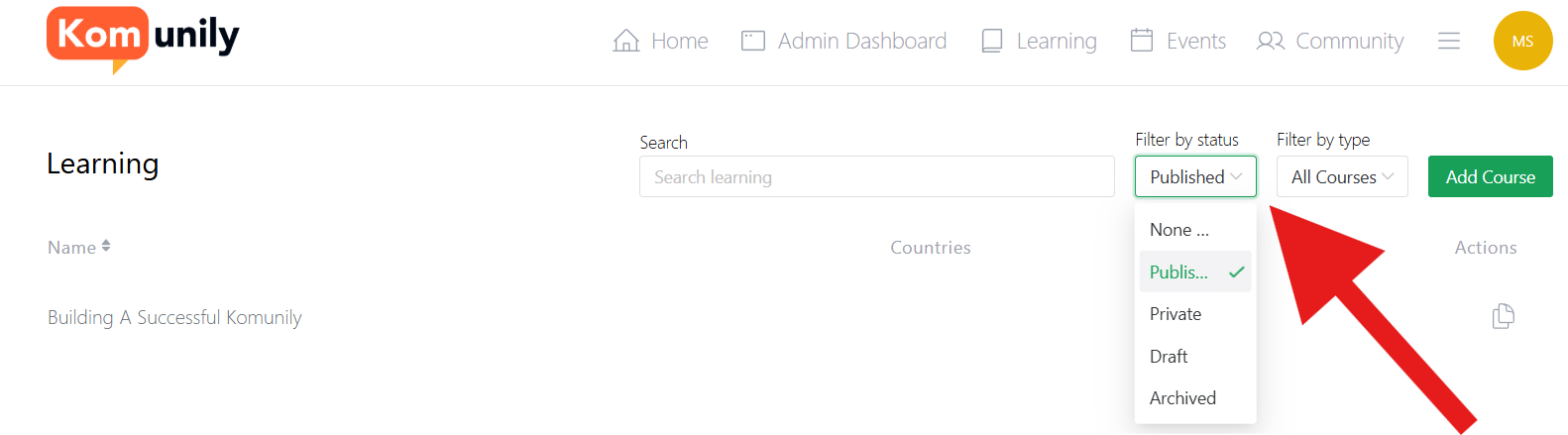
From here, you are taken to the page that allows you to see your lessons and courses and has the option to create a course if you want to learn how to create courses, head to the create courses article. On the learning admin page, there are several filters to assist with finding your courses that you have worked on creating and left in drafts or published. This is why the first filter allows you to sort between your courses by status, as shown in the image below.
The second filter allows you to filter between the courses which are paid and those which are free. Along with this, we have the typical search bar, which automatically filters as you start searching, allowing for more efficient searching.
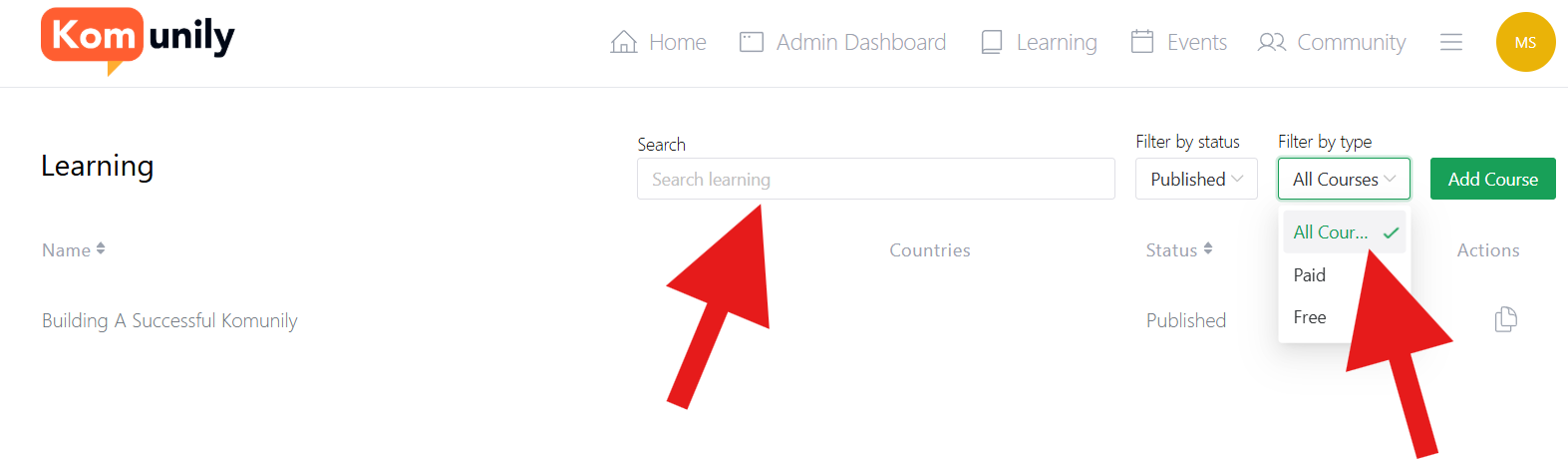
You also have the option to sort your courses by country status and name with the click of a button by clicking on where it says on the image shown below.
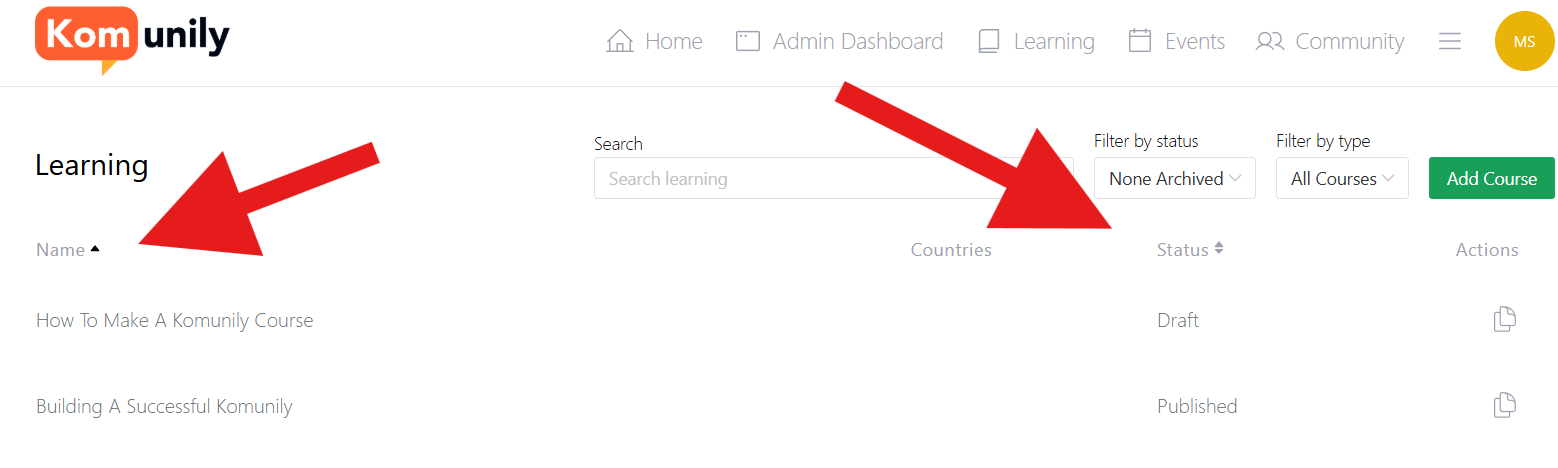
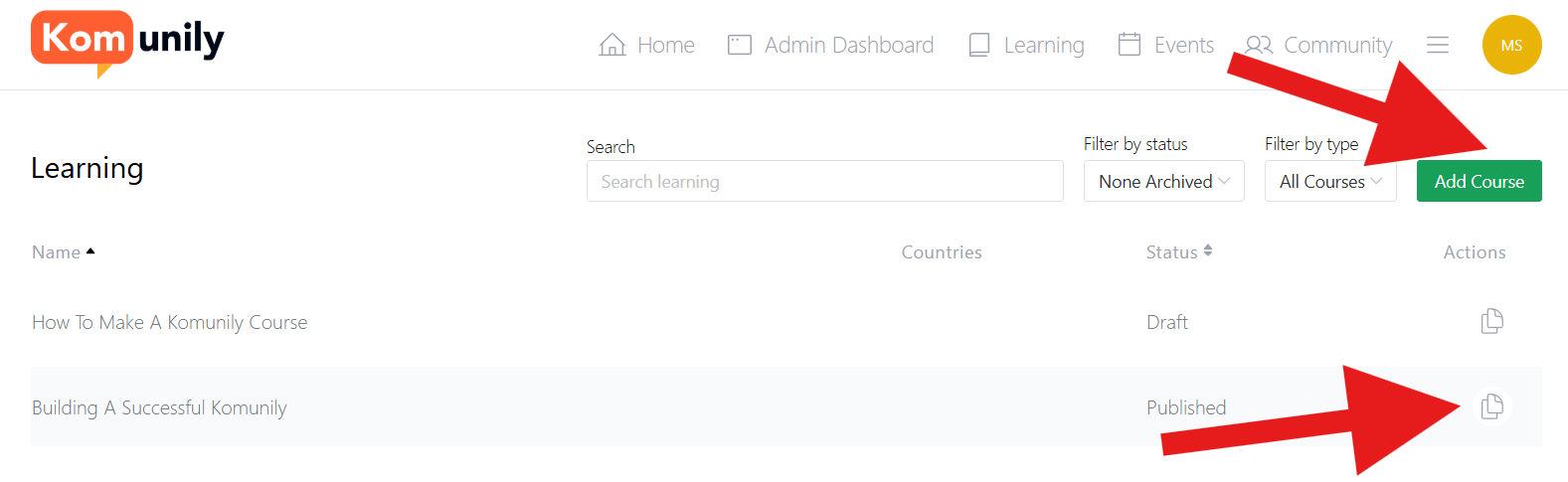
Lastly, 2 other useful buttons that appear on this page are the Duplicate button and the Add Course button, which you can learn more about at the Add Course article. The duplicate button is useful if you have a typical format which you then make minor changes to for other courses. Both these buttons are shown in the image below.