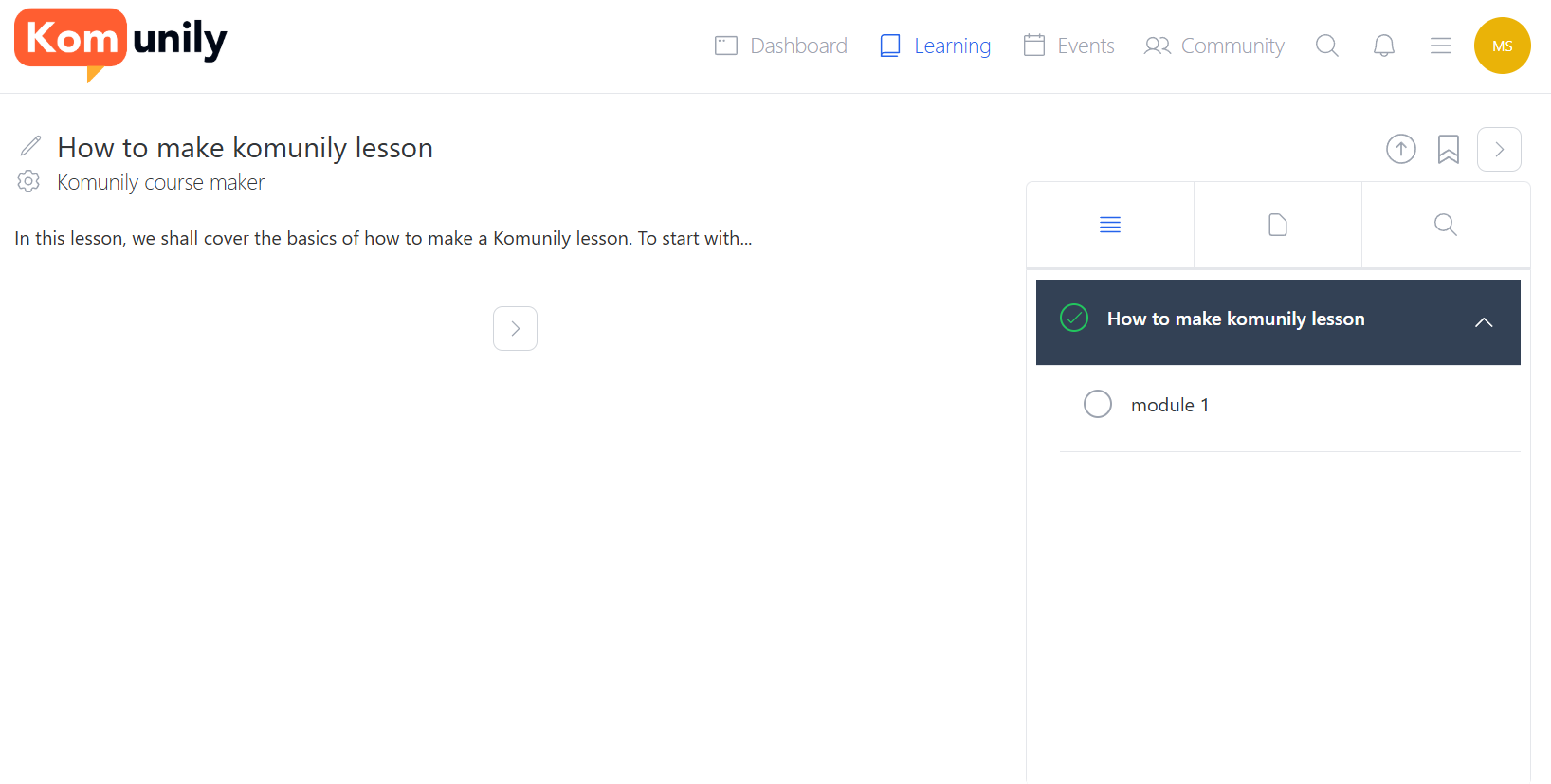
This article details how to navigate the lessons that you are doing on Komunily. In this article, we will be using a simple lesson that was made for the Creating Courses article. Firstly, you can find all your lessons and filter them to find specific ones in the learning section. For more on this, check the learning page article. Once you have found your lesson of choice, select it, and it should, at a basic level, look similar to the image shown below.
From here, there are many different sections to access to start with. You can bookmark sections or lessons so that you can easily return to them, as shown in the image below. These bookmarks can be accessed by hovering your profile picture in the top right and then selecting “Bookmarks“.
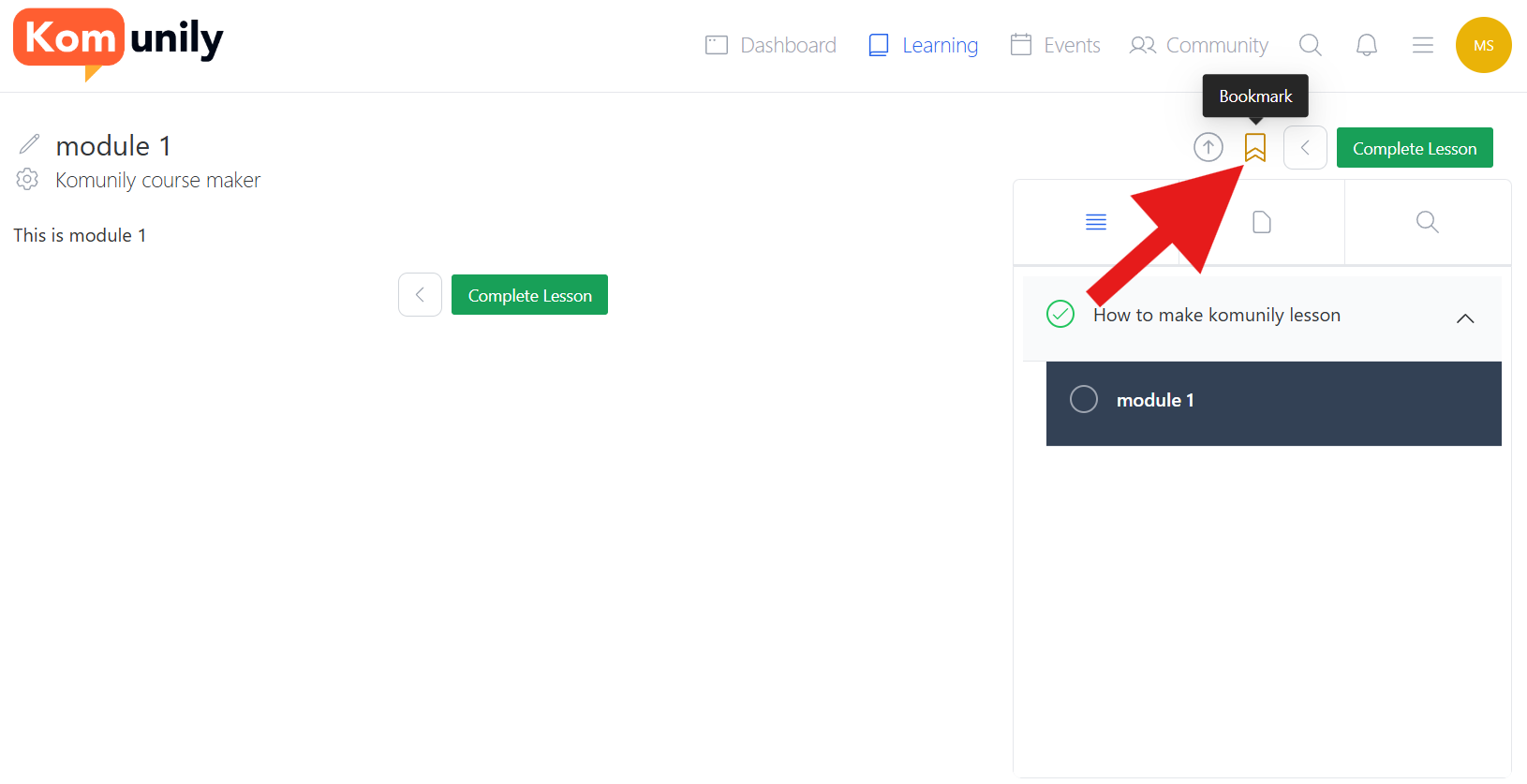
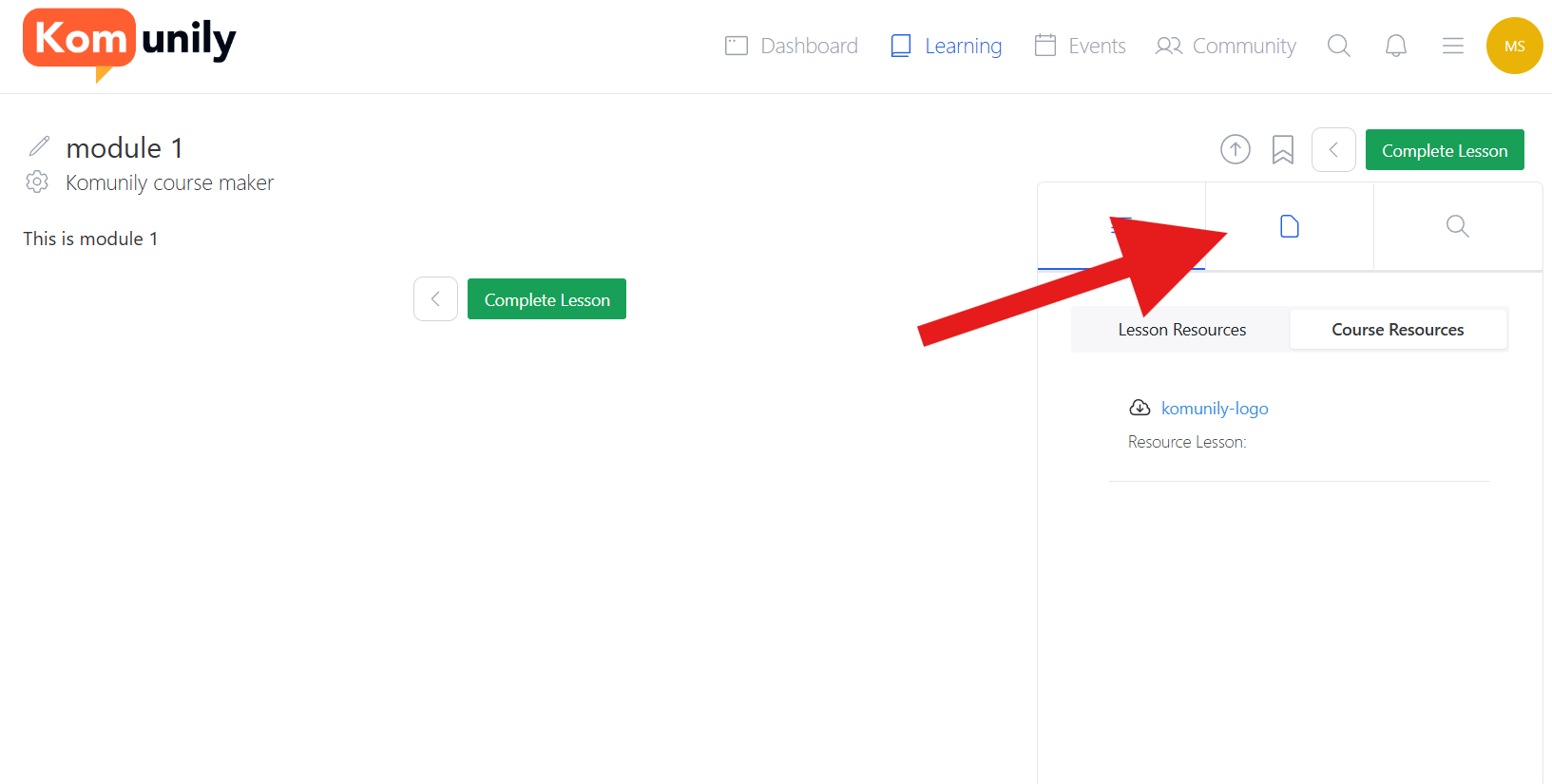
As you go through lessons, you can mark them as complete to keep progress noted, and in some cases, they have to be marked as complete to progress. You can see the options to mark as complete in the image shown above. Other sections worth checking out in the lesson are the resources section. These contain lessons and course resources that can be put there by the course creator to help you with the lesson or to use throughout it. This is shown in the image below.
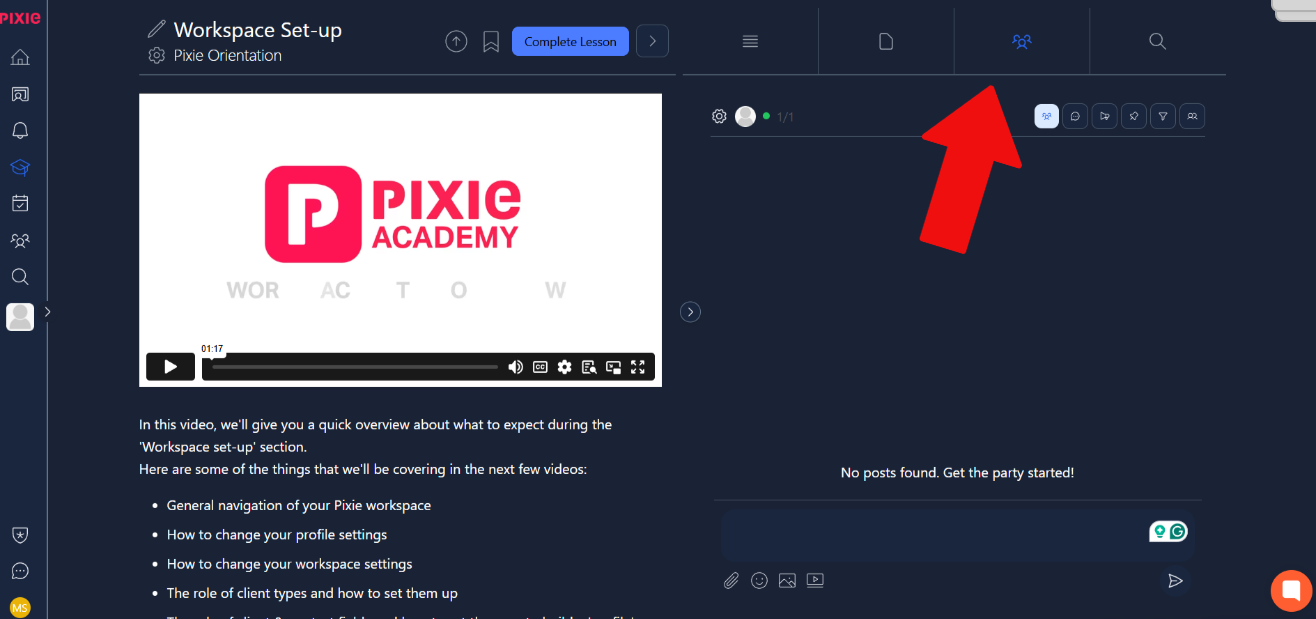
Additionally, there is also the community section of lessons. This allows users to discuss the contents of the lesson with other members of the community. It can be accessed as shown in the image below.