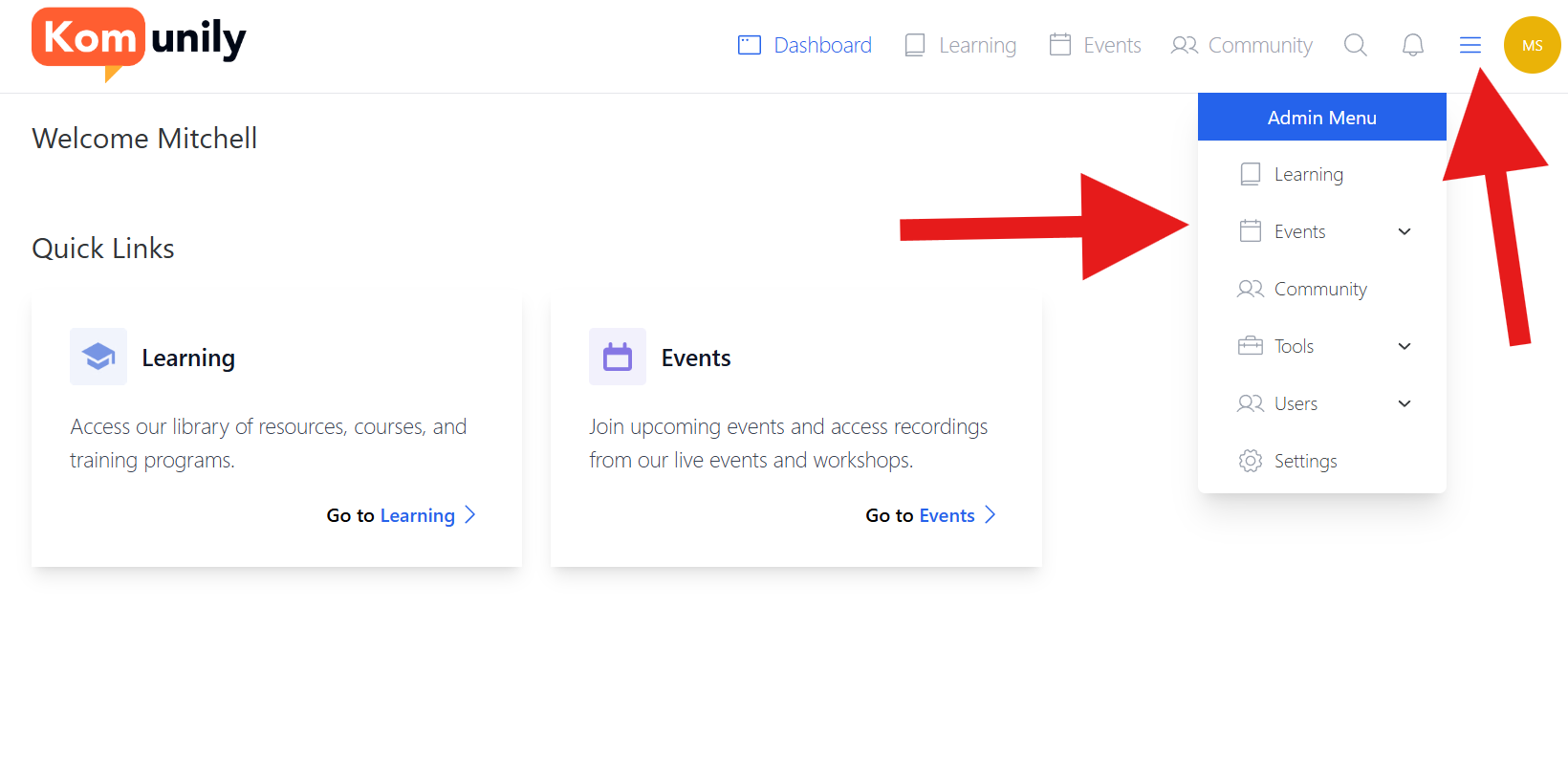
This page details the events admin page and what can be found on it. If you wish to create an event, check the Creating an Event article. To access the events admin page, you can click the 3 lines to bring up the admin menu and then events as shown in the image below.
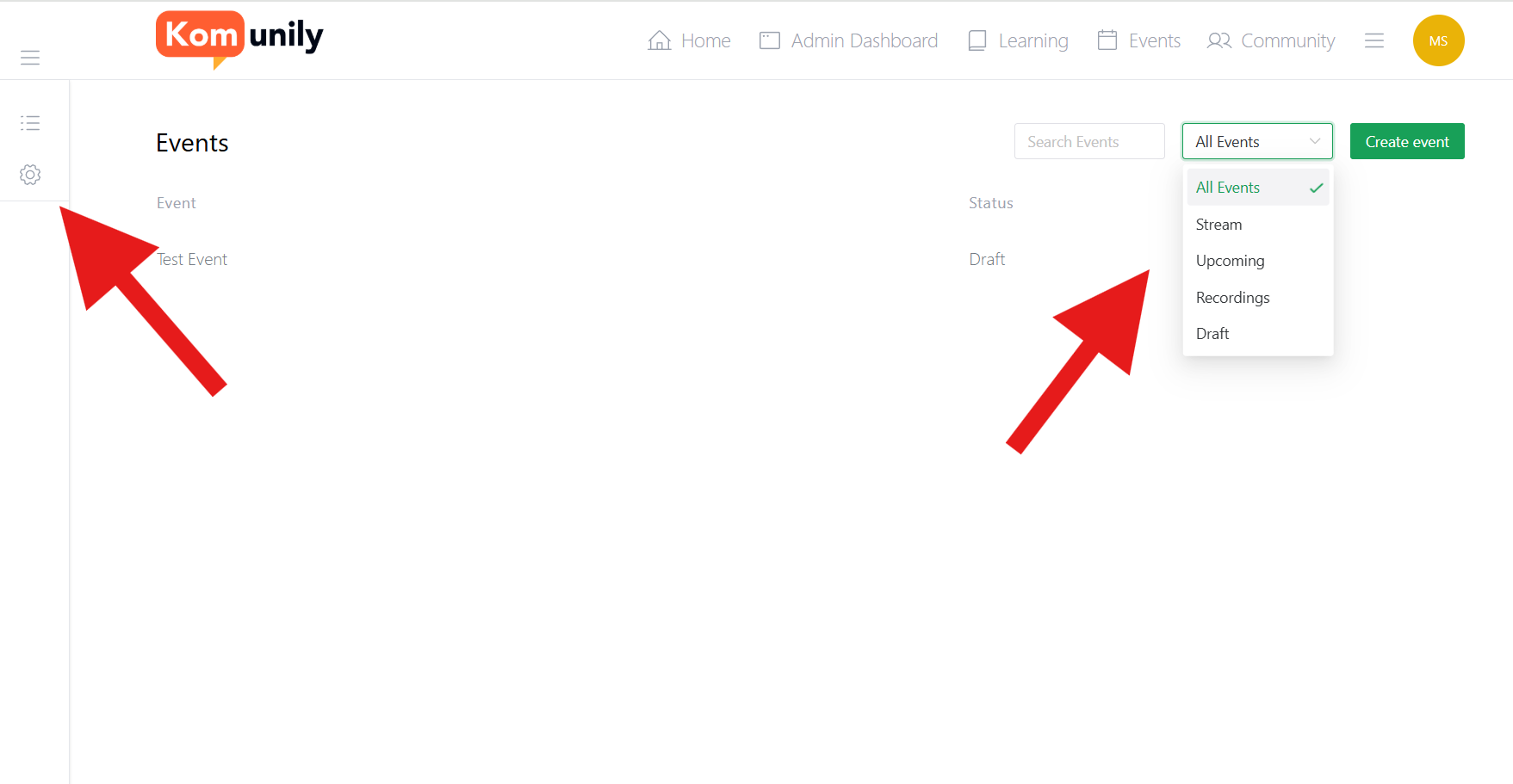
From here, you should see the page of your events, which includes the typical search bar that filters as you search and the ability to filter your events based on their status and select the settings for events, as shown in the image below.
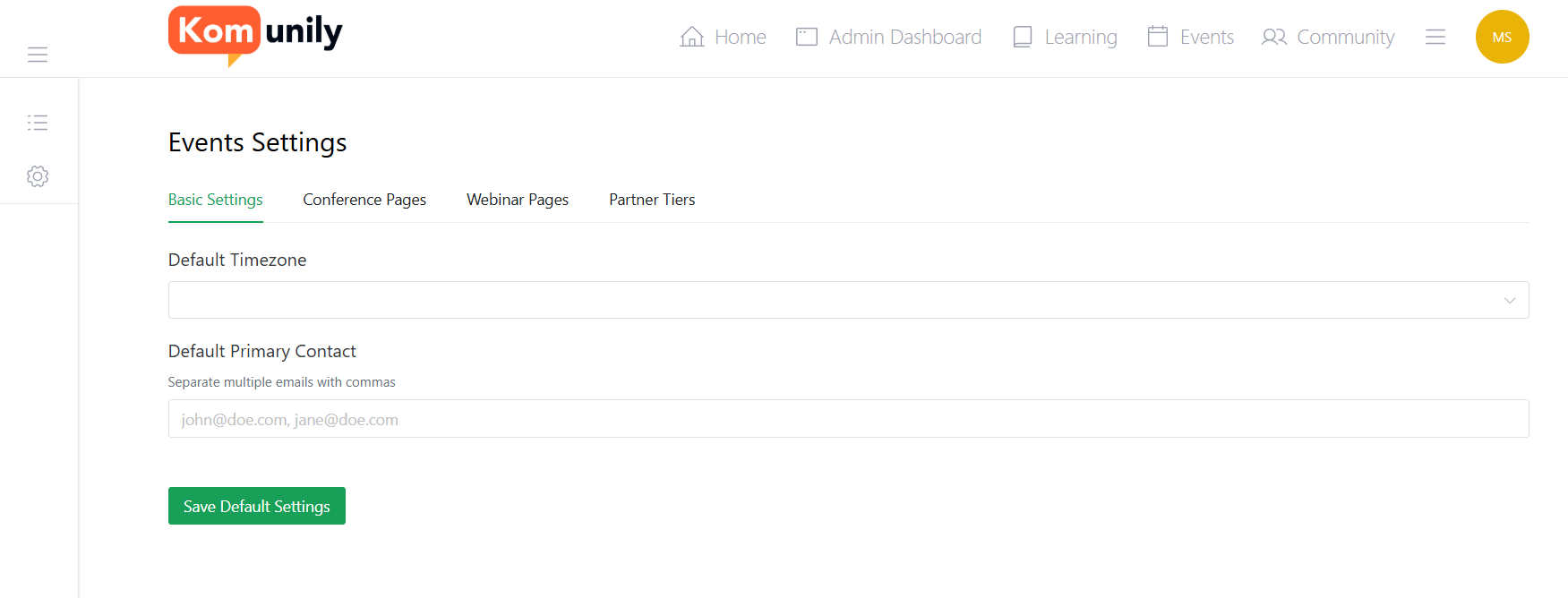
The events setting page has several settings to help with events and the different types you may be hosting and is something you should check and set up appropriately before starting to create your events. This can be seen below.