To create a webinar, firstly, you need to click the 3 lines in the top right corner, then select the events button dropdown, then Webinar. This is shown in the image below.

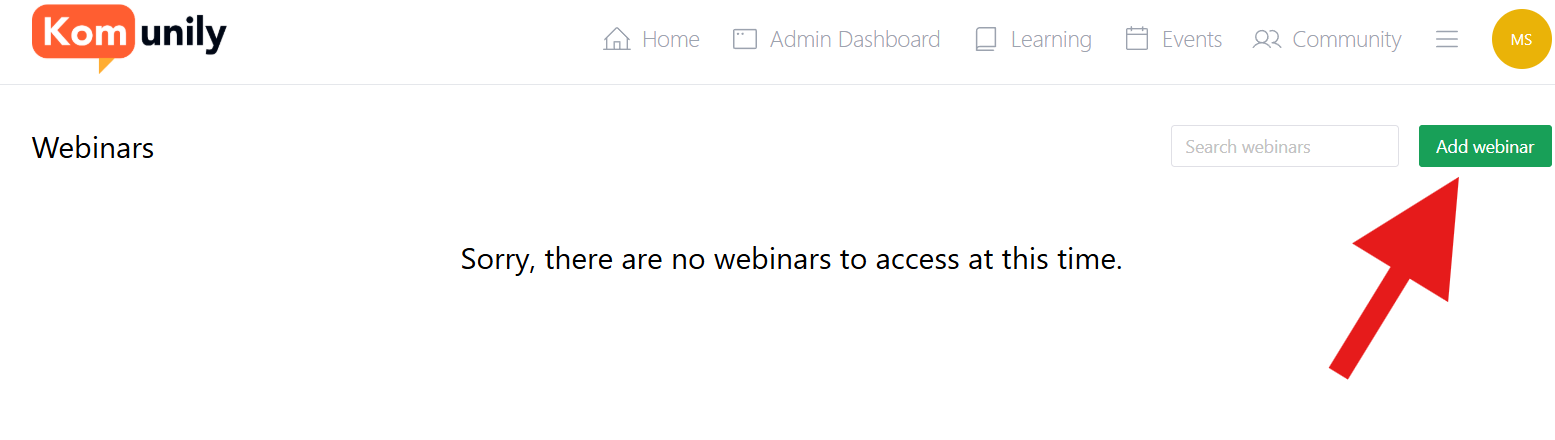
From there, you should be able to access the page shown in the image below and click the “Add webinar“ button as shown. Then, select the name of your webinar and click “Add Webinar”.
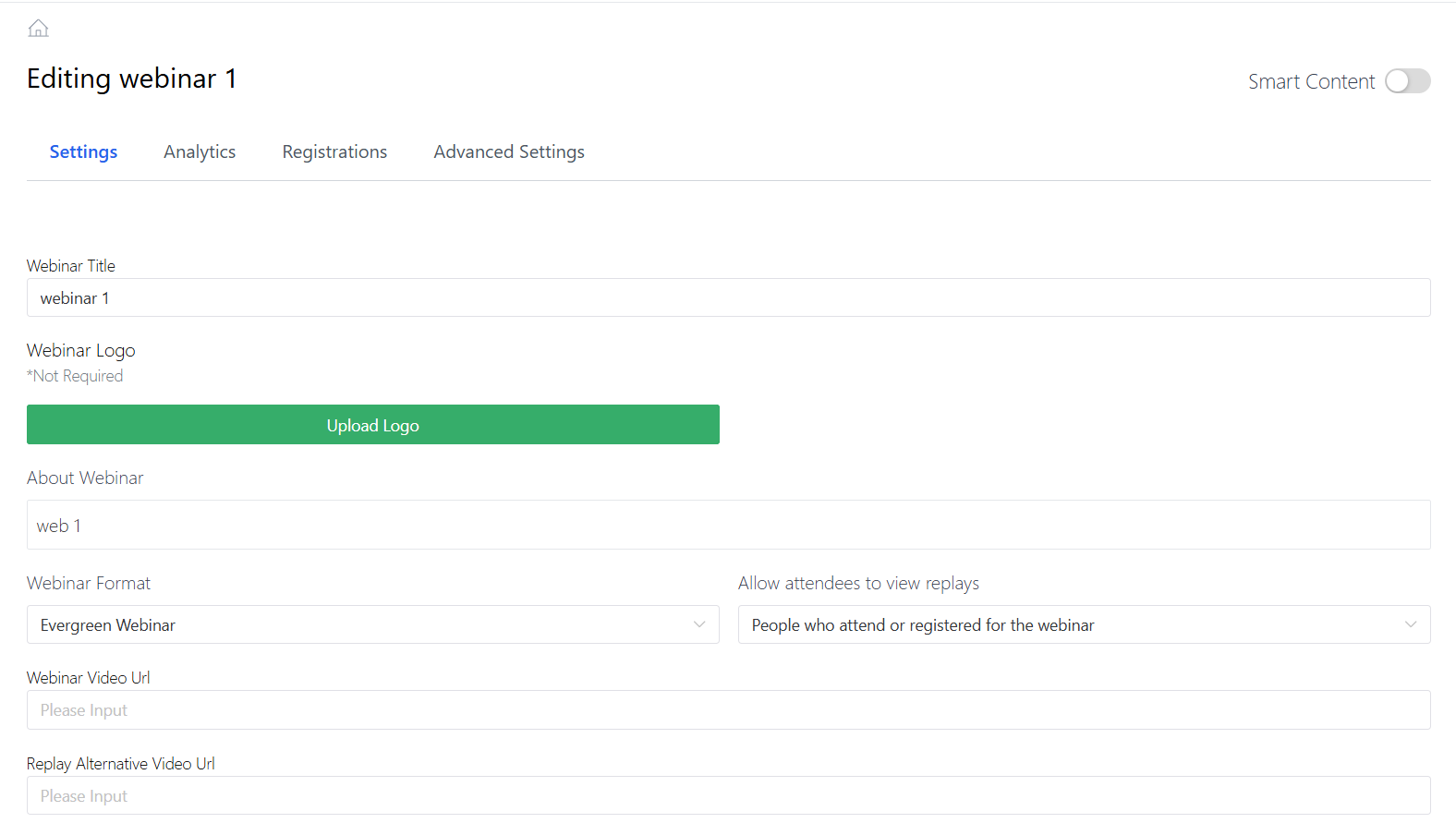
Upon doing that, you should be taken to the webinar settings as shown below, which involve a variety of settings to fill out based on how you want your webinar to be and the call-to-action settings for notifying those who signed up.
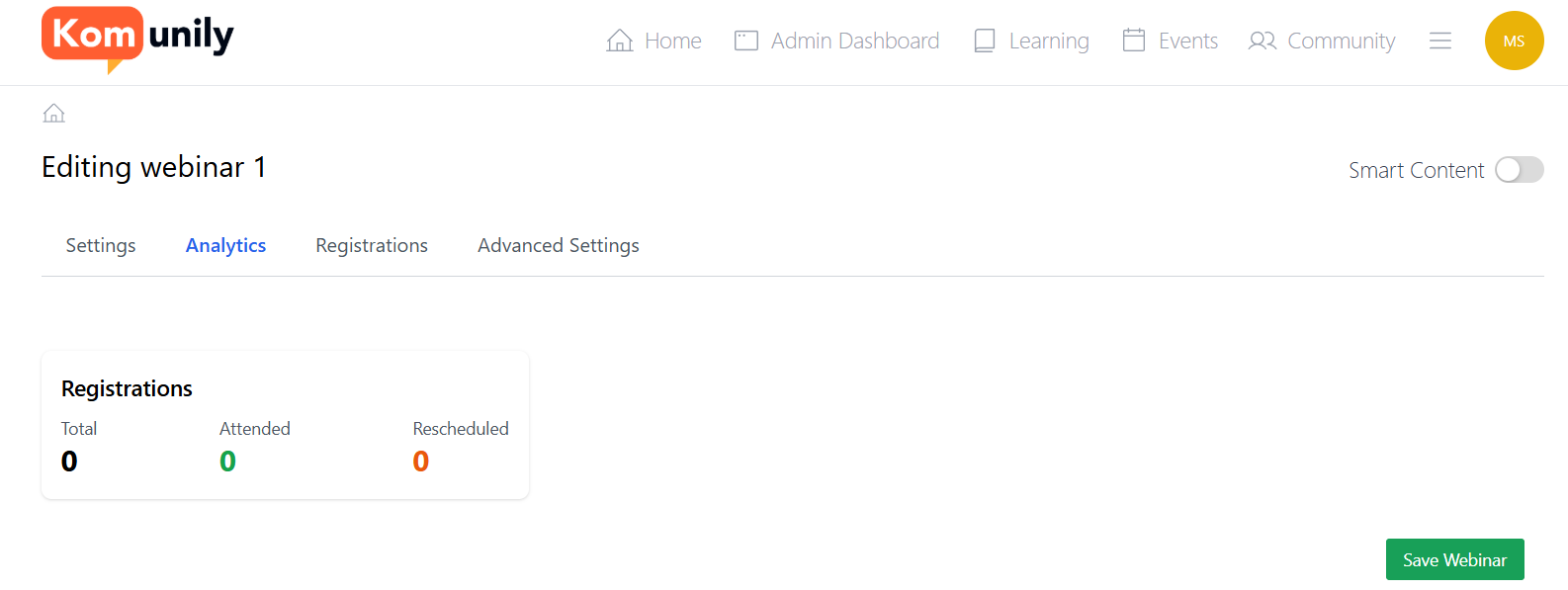
Once you have set up your webinar, you should check both the analytics tab and the registrations tab. The analytics tab shows the total who registered for the webinar, those who attended and those who rescheduled, as shown in the image below. Whereas the registrations tab shows all those who signed up for the webinar.