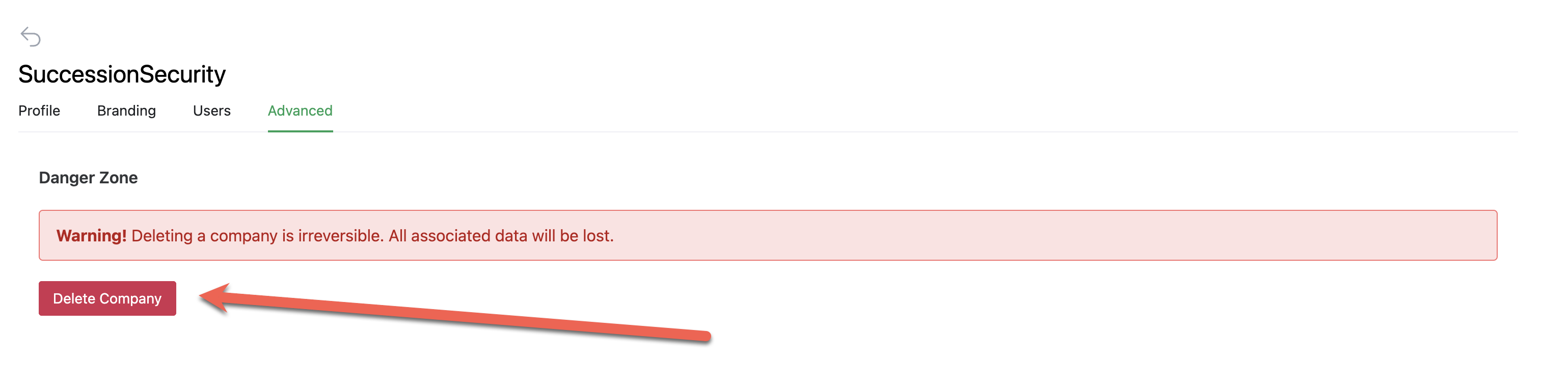
Warning! Deleting a company is irreversible. All associated data will be lost.
The association of the owner/founder user will be disconnected as well as any team members connected to this account.
1. Go to the company directory.
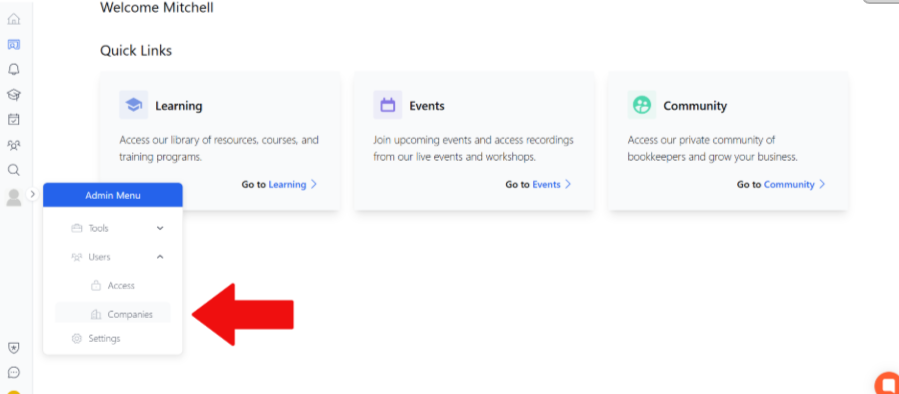
Hover over Admin Settings, select the Users drop-down menu and then companies
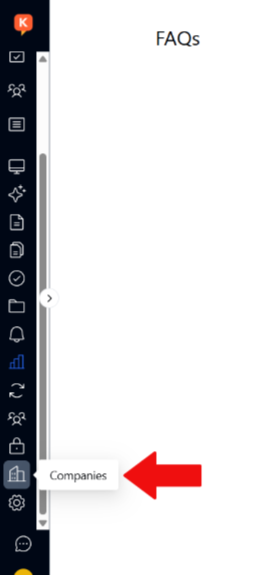
If already in the admin menu, select the companies option from the sidebar
2. Select Company
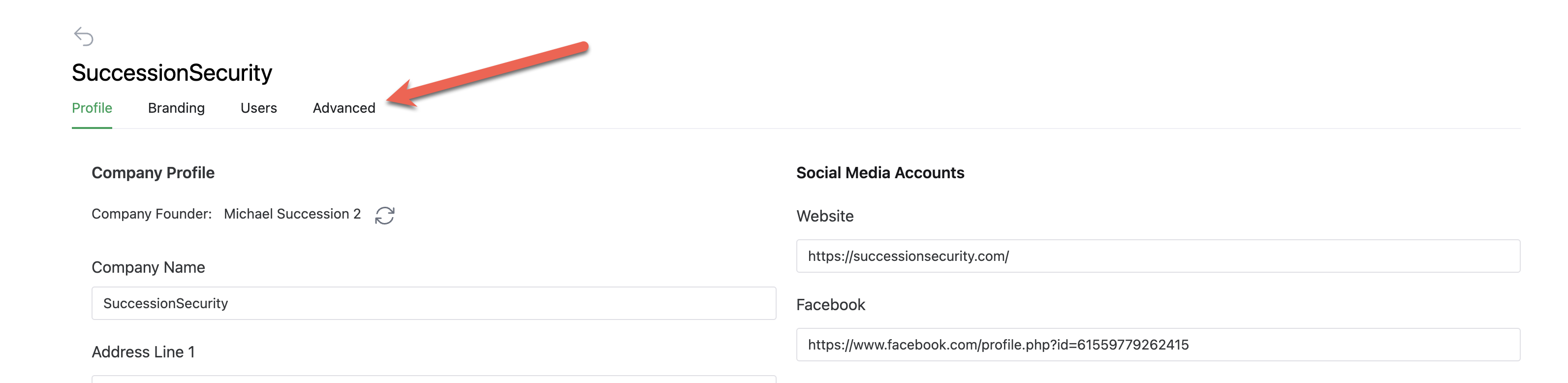
3. Click on Advanced
4. Click Delete
Warning! Deleting a company is irreversible. All associated data will be lost.
Delete Company